Dell UltraSharp U2913WM IPS 29" 2560x1080 8ms 21:9 DVI DP MDP VGA HDMI USB |
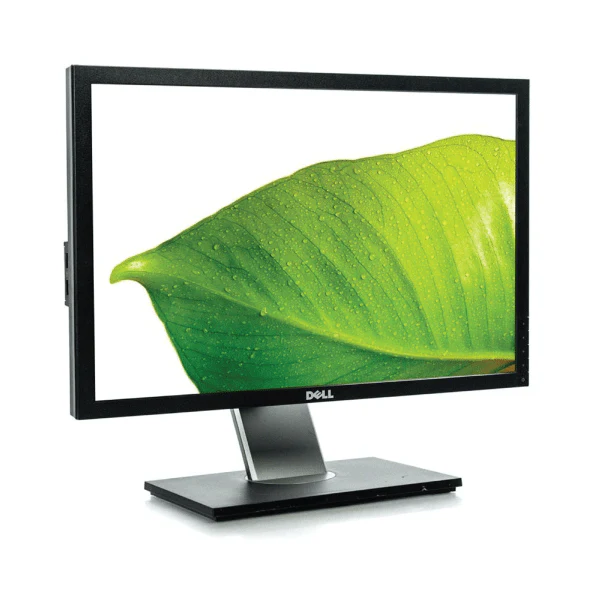
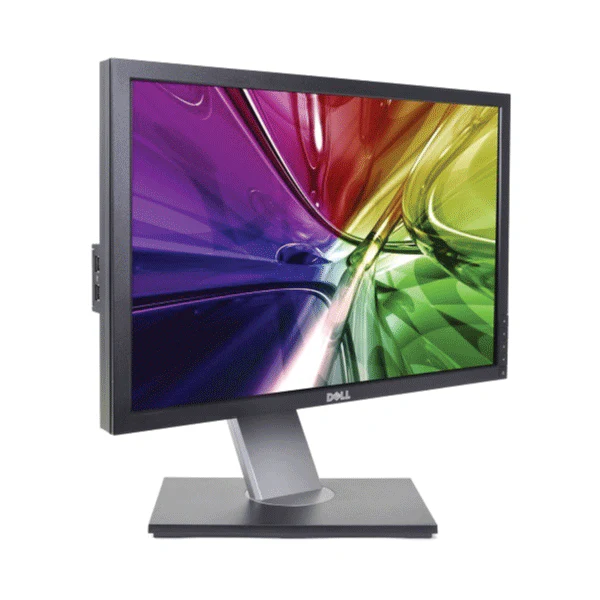
The U2913WM 29" Widescreen LED Backlit LCD Monitor from Dell comes with the screen space to multitask with ease. The enhanced 21:9 aspect ratio provides a panoramic viewing experience along with a 2560 x 1080 full HD resolution. This monitor comes equipped with four downstream USB ports and one upstream USB port making it possible to connect peripheral devices such as USB hard drives and thumb drives directly to your monitor.
The extended screen capacity enables you to split the monitor in half making it possible to carry separate tasks on each side. You benefit from enhanced color accuracy as this monitor supports more than 99% sRGB color space at a delta-E of less than 5. You also can take advantage of display functions such as Smart Video Enhance and Easy Arrange with Dell Display Manager.
More Images
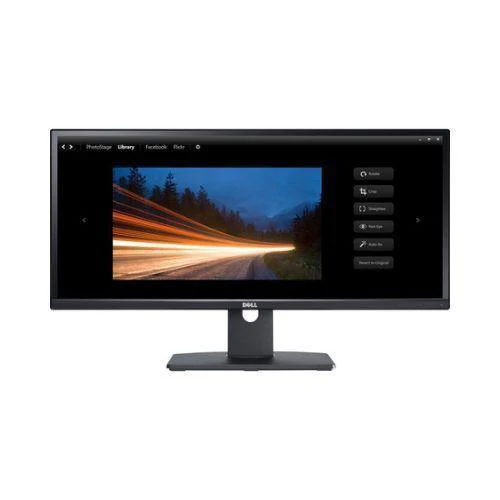


Dell UltraSharp U2913WM IPS 29" 2560x1080 8ms 21:9 DVI DP MDP VGA HDMI USB |
The U2913WM 29" Widescreen LED Backlit LCD Monitor from Dell comes with the screen space to multitask with ease. The enhanced 21:9 aspect ratio provides a panoramic viewing experience along with a 2560 x 1080 full HD resolution. This monitor comes equipped with four downstream USB ports and one upstream USB port making it possible to connect peripheral devices such as USB hard drives and thumb drives directly to your monitor.
The extended screen capacity enables you to split the monitor in half making it possible to carry separate tasks on each side. You benefit from enhanced color accuracy as this monitor supports more than 99% sRGB color space at a delta-E of less than 5. You also can take advantage of display functions such as Smart Video Enhance and Easy Arrange with Dell Display Manager.
Product Information
Product Information
Shipping & Returns
Shipping & Returns
Description
The U2913WM 29" Widescreen LED Backlit LCD Monitor from Dell comes with the screen space to multitask with ease. The enhanced 21:9 aspect ratio provides a panoramic viewing experience along with a 2560 x 1080 full HD resolution. This monitor comes equipped with four downstream USB ports and one upstream USB port making it possible to connect peripheral devices such as USB hard drives and thumb drives directly to your monitor.
The extended screen capacity enables you to split the monitor in half making it possible to carry separate tasks on each side. You benefit from enhanced color accuracy as this monitor supports more than 99% sRGB color space at a delta-E of less than 5. You also can take advantage of display functions such as Smart Video Enhance and Easy Arrange with Dell Display Manager.